Retouching
Eyelashes in iris photography
Lashes are the most frequent obstruction in iris captures, and the one most often handled badly. They almost always cost the same region: the upper half of the iris.
Short answer
Lashes hide iris structure and add shadows on top of it. Removing them is reasonable for individual narrow strands over structured iris, where the surrounding zone supplies a plausible continuation. Where a dense lash band or a deep shadow covers a large part of the upper iris, a new capture with a slightly lowered gaze beats any amount of area retouching.
Why lashes are a special case
Three properties make them different from other obstructions. They sit in a different plane than the iris, so at the shallow depth of field typical for iris work they are often out of focus while the iris is sharp — which means no clean edge, just a broad semi-transparent veil.
They concentrate on the upper half, which is already partly covered by the upper lid. Occlusion adds up exactly where the problem already is.
And they cast shadows. The shadow is frequently more damaging than the lash: it is larger, has no defined edge, and lowers local contrast across the structure underneath.
What helps at capture
- Ask for a slightly lowered gaze while the upper lid stays raised — this exposes iris that would otherwise need retouching
- Keep the light off the top: sources above the eye axis cast the longest lash shadows
- Shoot several variants per eye; lash position changes with every blink
- Mention mascara before the session — it thickens lashes and deepens shadows
- Ask about contact lenses; dry lenses add scatter in the upper area
Practical tip
The most effective measure costs nothing and takes two seconds: a small downward shift of gaze. It reliably gains iris area at the top of the frame.
When removal is justified
| Situation | Recommendation | Reason |
|---|---|---|
| Single narrow lash over structured iris | Remove | Surroundings supply a plausible fibre continuation |
| Soft, semi-transparent veil | Attenuate instead of remove | Structure shows through; contrast can be lifted |
| Lash shadow across a larger area | Brighten locally | Detail is present, only darkened |
| Dense lash band across the upper iris | Re-shoot | Too much area with no real image information |
| Lash crossing the limbus | Fix the boundary first | Otherwise the mask follows the lash edge |
How to work in post
Order
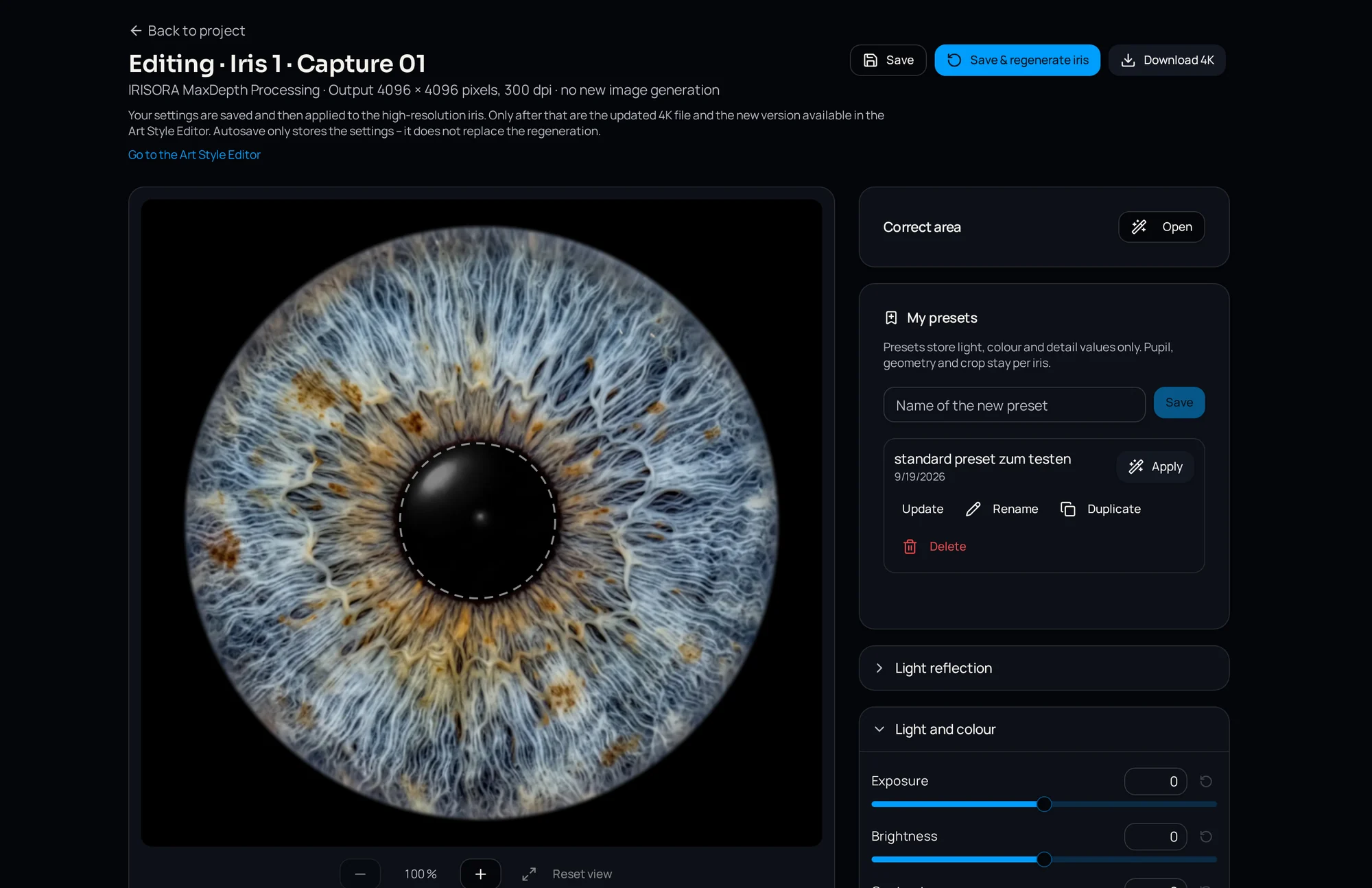
Lashes are handled after the iris boundary is established and before final structure work. A lash crossing the limbus corrupts the mask — see how to isolate an iris — and an area retouched after sharpening stays visible as a soft patch.
Source material and direction
Replacement material must come from the same radial zone. The iris is not uniformly textured: the pupillary zone shows different patterns than the ciliary zone, and fibres run outward. Material from the wrong zone runs across the grain and is conspicuous in print.
For longer strands, work in short segments rather than replacing the whole lash in one move — that keeps the radial direction intact.
Shadows are not a cloning job
Under a shadow lies complete structure with reduced brightness and contrast. Local brightening followed by a modest contrast lift restores it visibly without inventing anything, and it is faster than cloning.
Common mistake
Smoothing the whole upper iris to deal with lashes produces an image that is structureless at the top and detailed at the bottom — an imbalance that becomes more obvious the larger the print.
When to keep them
Not every lash is a defect. A hint of lash structure at the outer edge can add depth and stop the iris from reading as a rendered object.
What decides is the client's expectation. Someone buying a graphic artwork expects a fully isolated iris; someone buying a documentary image of their own eye expects traces of a real eye. That is worth settling before editing rather than after delivery.
Limits of automatic handling
Automatic detection is dependable where lashes stand out clearly: dark, narrow lines over a lighter iris. It struggles with out-of-focus veils, with dark irises offering little contrast against the lash, and with shadows that have no defined edge.
So any automated pipeline takes the repetitive work off the table but does not replace a look at the upper iris. IRISORA reports remaining lid and foreign regions inside the iris boundary per version instead of smoothing them silently, which makes an unusable capture visible before delivery. Scope details on the iris retouching page.
Frequently asked questions
- Should lashes always be removed?
- No. What should go is whatever covers iris structure. A hint of lash at the outer edge can be kept deliberately — that is a design decision, not a technical one.
- Why does the upper iris look flat after retouching?
- Usually because the area was smoothed rather than replaced zone-correctly. Work in small segments, take source material from the same radial distance, and brighten shadows instead of covering them.
- Does a smaller aperture help with lashes?
- It makes them more clearly defined, which eases retouching, but it hides exactly as much iris. The gain is in the edge, not in the area.
Related reading
Let the repetitive cleanup run automatically
Check on one of your own captures how much lash and lid work the workflow removes — and where it reports a limit. Five free edits included.
5 free iris edits included