Iris art editor: your own artwork, not a template
The Art Style Editor is the design half of IRISORA. It is optional, and it is built so the finished image looks like yours rather than like a recognisable vendor style.
- Place every iris freely
- Several irises in one image
- Your own motifs and effects
- Text and watermark
The basic idea
A processed iris is cut out and carries transparency. That is exactly why it can be placed freely into a design instead of being forced into a fixed template.
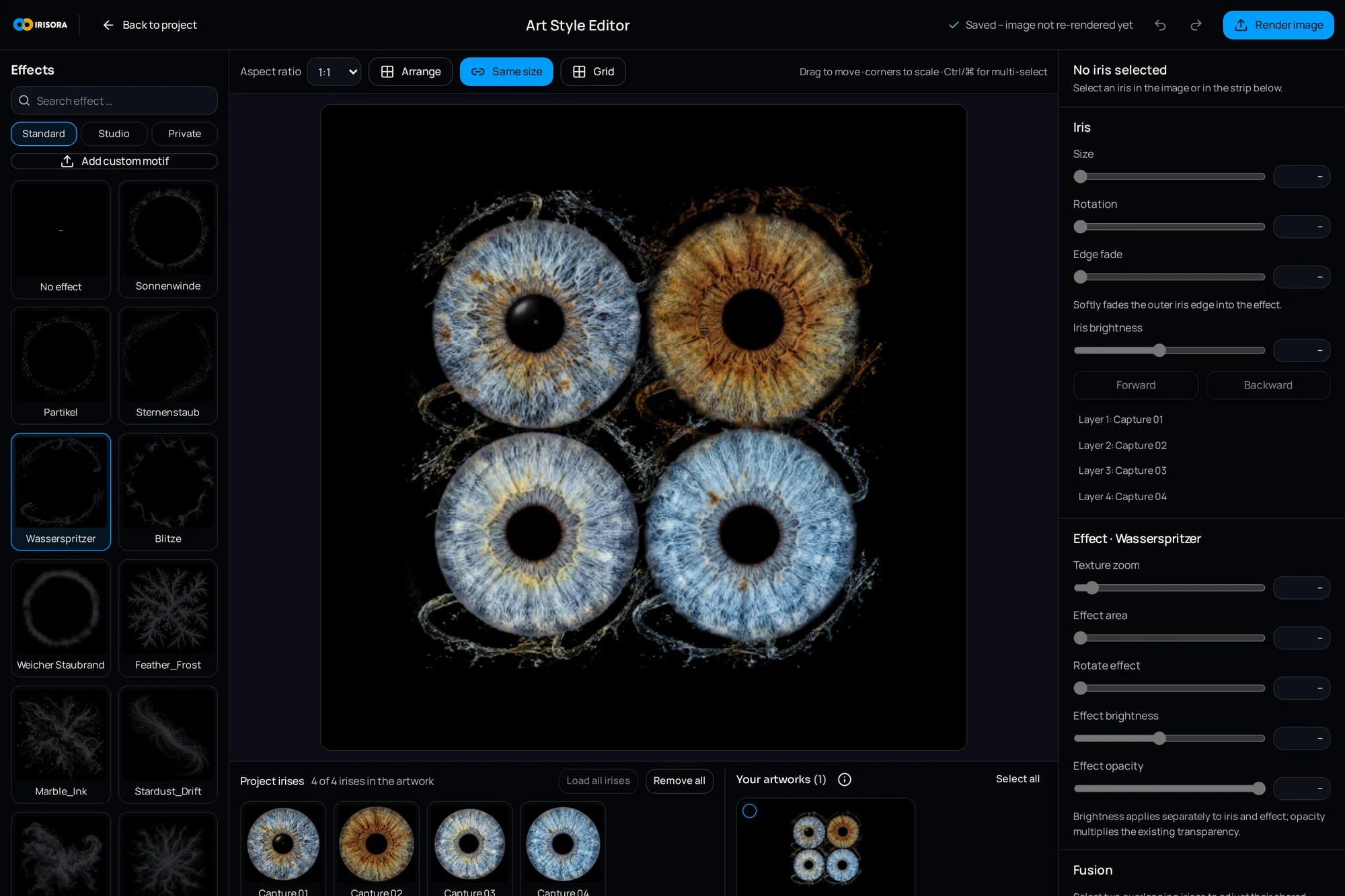
In the editor you decide where the iris sits, how large it is, how it is rotated and what happens around it.
What you can control
Position and size
Every iris can be moved and scaled freely – centred, offset or cropped as a detail.
Rotation
Rotate an iris to align its structural flow deliberately.
Layers
Motif, iris and extra elements sit on separate layers whose order you control.
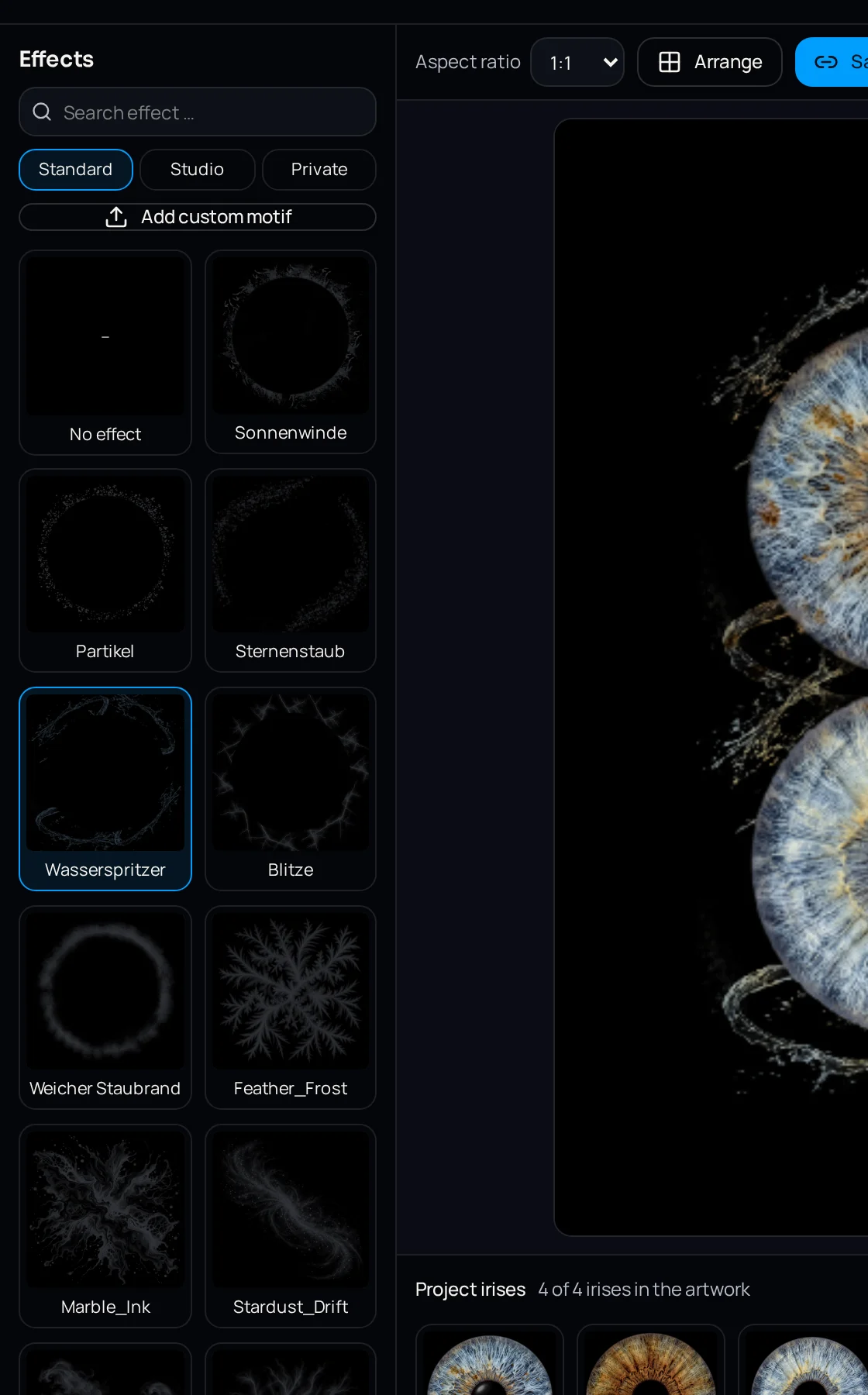
Transitions and effects
Soft transitions and additional effects can be applied to the composition.
Brightness
Adjust how the iris reads inside the motif without recalculating the edit.
Own motifs
Beyond the available styles you can bring in your own motif templates.
Text
Names, dates or short lines can be set typographically.
Watermark
Add a watermark for client preview images.
Presets
Save a recurring design as a preset and reuse it.
Several irises in one image
Couples, families and teams are a large part of iris work. The editor combines several irises in one composition – side by side, overlapping or in a shared arrangement.
Each iris stays its own layer and keeps its own position, size and rotation.
The design step is voluntary
You can download the processed iris without any art style at all and continue in your own workflow. The editor is an option, not a mandatory stage.
Many studios use both: the plain iris for their own layout style, and the editor for quick additional products during the client conversation.
Frequently asked questions
- Are the designs fixed?
- No. Styles are a starting point, but position, size, rotation, layers, effects, text and watermark are yours to set.
- Can I use my own motifs?
- Yes, your own motif templates and effects can be used.
- Do I have to use the editor to get an image?
- No. The processed iris is available as a high-resolution download regardless.
Related pages
Try the design step yourself
Register for free, process one iris and build your own motif in the Art Style Editor.
5 free iris edits included