Iris retouching: the real problems and how to solve them
Lashes, reflections, lid shadows, make-up, ragged edges. This page works through the problems that actually show up in iris captures and how IRISORA treats each of them.
- Reflections handled apart from the fibre image
- Lid and lash coverage is reported
- No invented eye
- Every result stays adjustable
Retouching is not the same as editing
General editing brings a capture into usable shape. Retouching removes the specific defects of that one capture. With irises those defects almost always fall into the same five groups.
The five most common defects
Light source reflections
A bright dot or ring sitting on the iris. It lies on top of the structure, not inside it, so it is treated separately to keep the fibres underneath.
Lashes across the iris
They often cover the upper third. Partial coverage can be compensated; fully covered areas cannot – the quality check reports that finding.
Lid shadow
A dark gradient along the top edge makes the iris look uneven. It is balanced without dragging the real pigmentation with it.
Make-up and glitter
Particles near the rim must not be read as iris structure, so the cut-out follows the estimated iris boundary instead of the strongest contrast.
Ragged iris edge
A frayed rim gives the mask away instantly. The boundary is treated as a circle and fades softly.
What deliberately does not happen
IRISORA does not invent an iris. No foreign structure is pasted in, no sample iris is copied, no eye is generated from nothing. The basis is always your client's real capture.
That is not only an aesthetic choice: it is what allows you to sell the result as an image of a real eye.
Planning retouching while shooting
- Light from the side rather than the front to move reflections out of the centre
- Prefer two captures with a slightly shifted gaze over one with a hidden region
- Focus on the iris plane, not on the lashes
- Do not pre-sharpen heavily – it makes structure work harder
When the capture is difficult
Difficult captures with reflections and make-up usually still produce a usable result, as long as the iris was photographically recorded. The quality check tells you per version where the limits are, so you know before the client conversation.
Frequently asked questions
- Can a strong reflection be removed completely?
- Where structure is still visible underneath it can be pulled back a long way. Where the sensor clipped completely the information is gone, and the area is reported instead.
- Can I keep a light reflection on purpose?
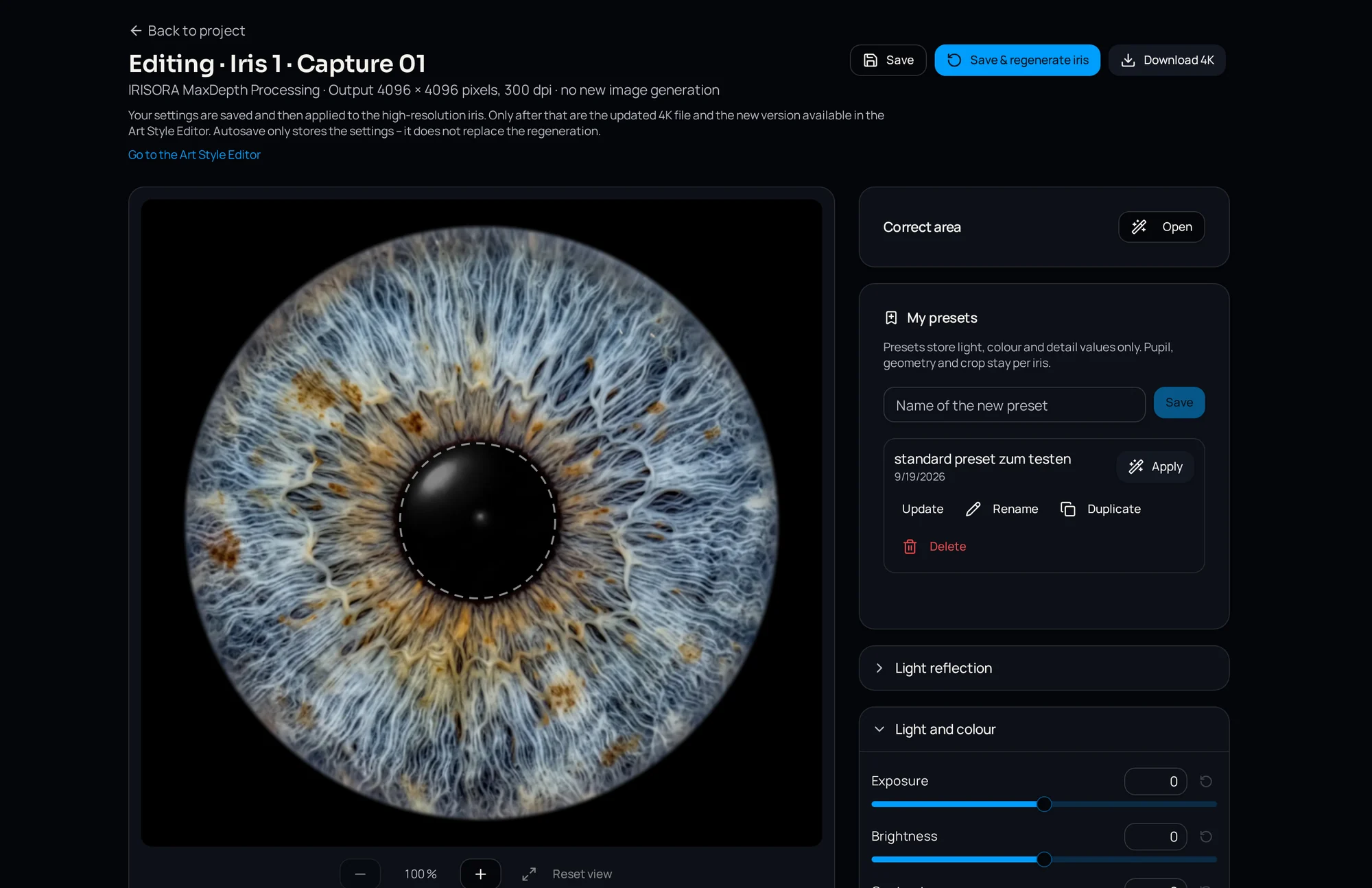
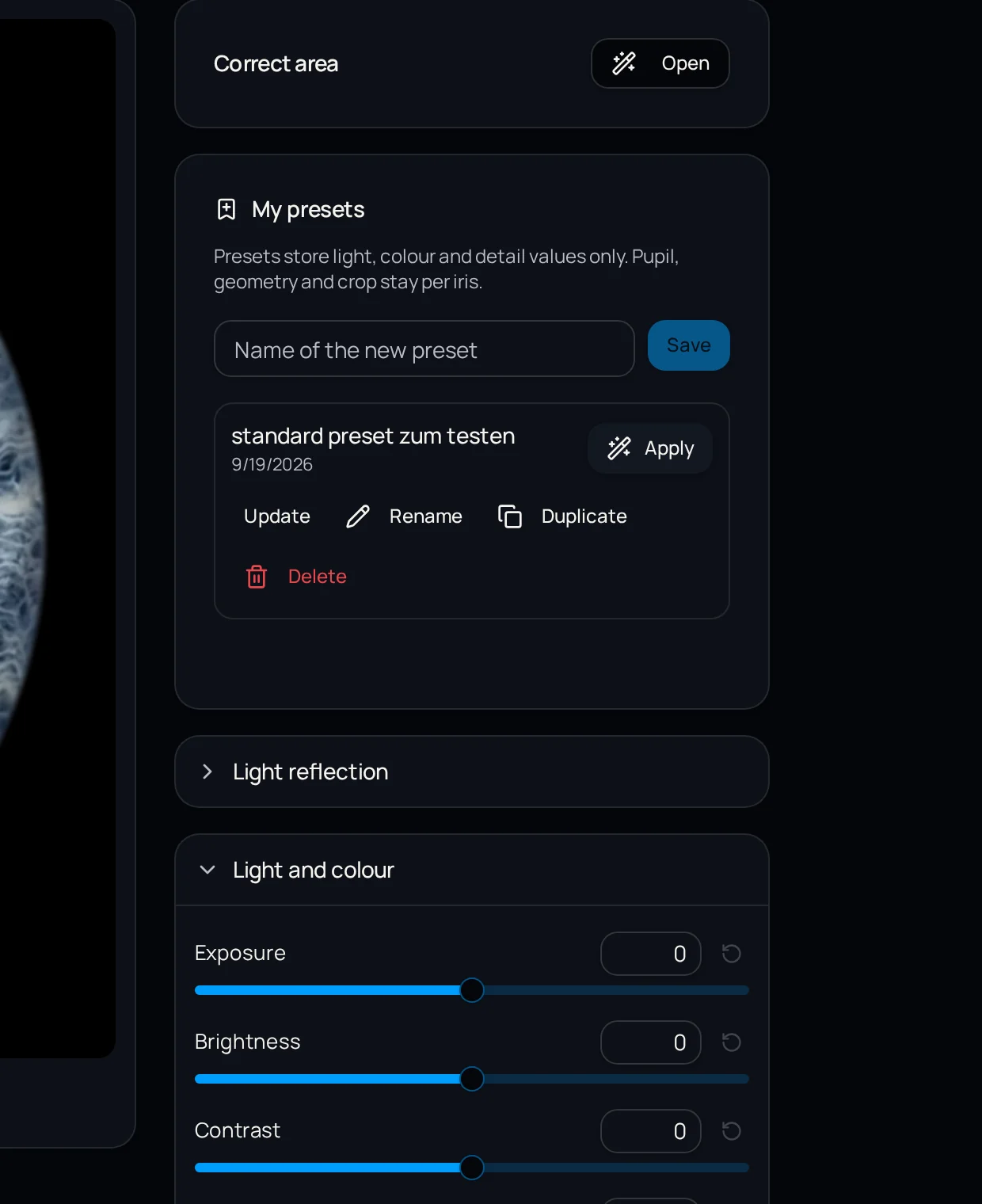
- Yes. The iris editor lets you add an optional light reflection and control its position, size, rotation and intensity, then store it as a preset.
- Does a correction cost another credit?
- The quality check itself triggers neither a recalculation nor a credit. Billing follows a confirmed successful edit.
Related articles
Try it on a difficult capture
Pick the file you have been fighting with. 5 free editing credits included, no base fee.
5 free iris edits included